COI Expiration Tracker
Stop finding expired COIs after the deadline.
Upload a Certificate of Insurance, extract the expiration date, and create renewal reminders before coverage expires.
From PDF to reminder
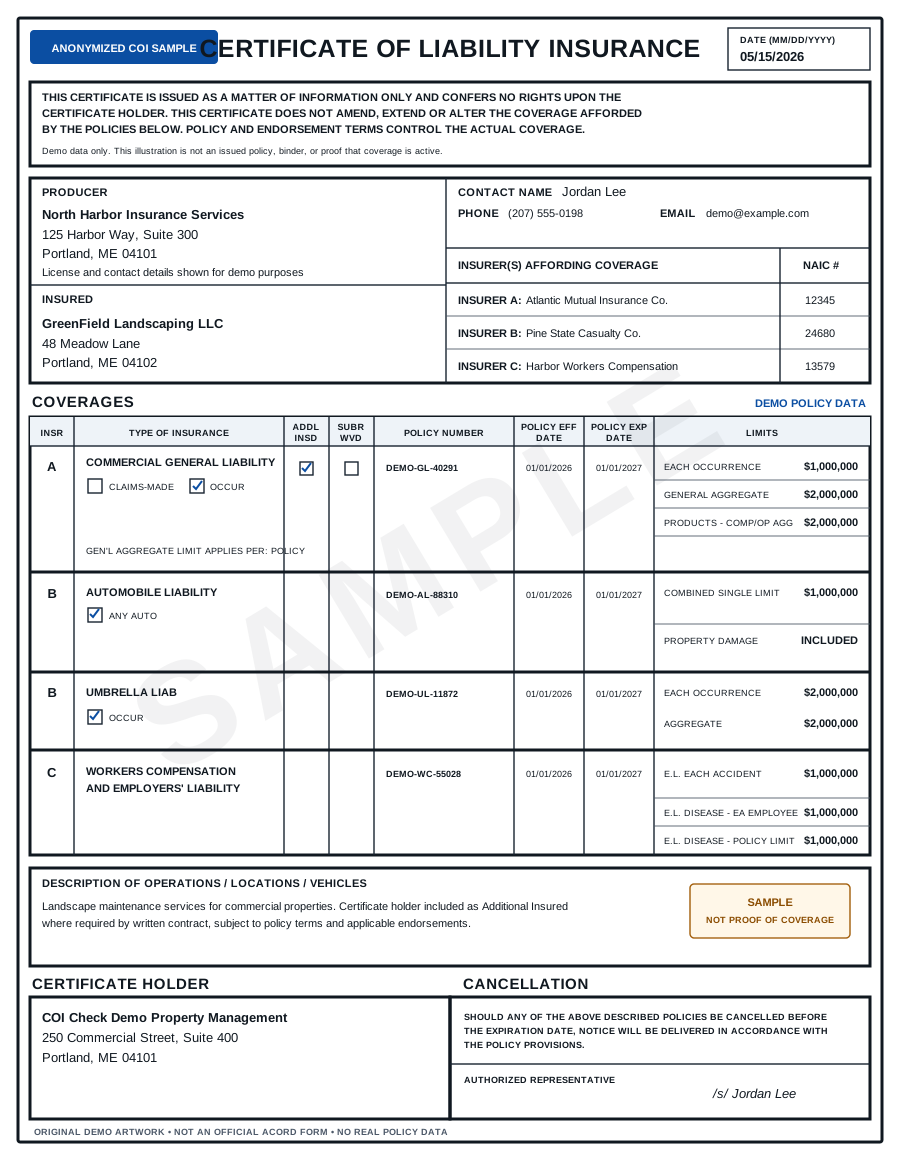
The tracker reads the certificate, finds policy expiration dates, and creates reminders before renewal is due.
Use 90-day, 60-day, 30-day, and 7-day reminder windows.
More than a date
A COI can contain multiple policies with different expiration dates.
The tracker identifies the relevant dates for General Liability, Auto, Workers’ Compensation, Umbrella, and other coverage rows.
Renewal email template
When a certificate is approaching expiration, generate a renewal request automatically.
Example:
Your Certificate of Insurance on file expires on [Date]. Please send an updated COI showing the same required coverage and naming [Company Name] as Certificate Holder.
FAQ
Can I track multiple expiration dates on one COI?
Yes. The tracker can identify different policy expiration dates across coverage rows.
Can it send reminders to vendors?
Yes. You can generate renewal emails or schedule reminders before expiration.
Is this only for COIs?
The product is optimized for Certificates of Insurance, but the same workflow can later support licenses, permits, and other expiring compliance documents.
Disclaimer
This tool provides document-level review of Certificates of Insurance. It does not provide legal advice, insurance advice, or guarantee that coverage is active. For high-risk work, suspicious certificates, or unclear endorsements, confirm details with the issuing broker, carrier, or legal counsel.